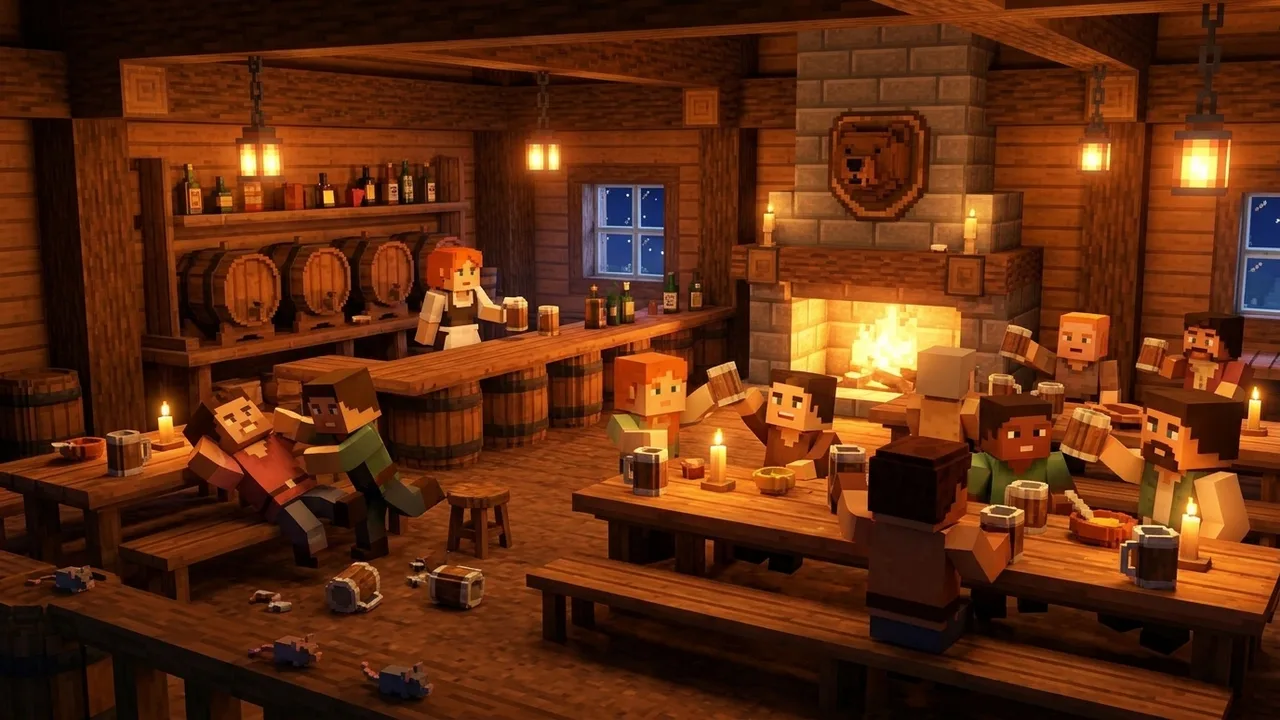
The Lore Bar
A real tavern with guests, cozy music and rooms upstairs. Buy a drink from Greta or play Mug & Crown with Old Brannoc.
Our home in blocks. Grab a mug at the Lore Bar, haggle on the market, dance to the band, survive four seasons and maybe tame a dragon. One file installs everything, then it's just you, your friends and the LoreBary crew.
minecraft.lorebary.comA hand-built town square right at spawn, plus a world full of adventure around it.
A real tavern with guests, cozy music and rooms upstairs. Buy a drink from Greta or play Mug & Crown with Old Brannoc.
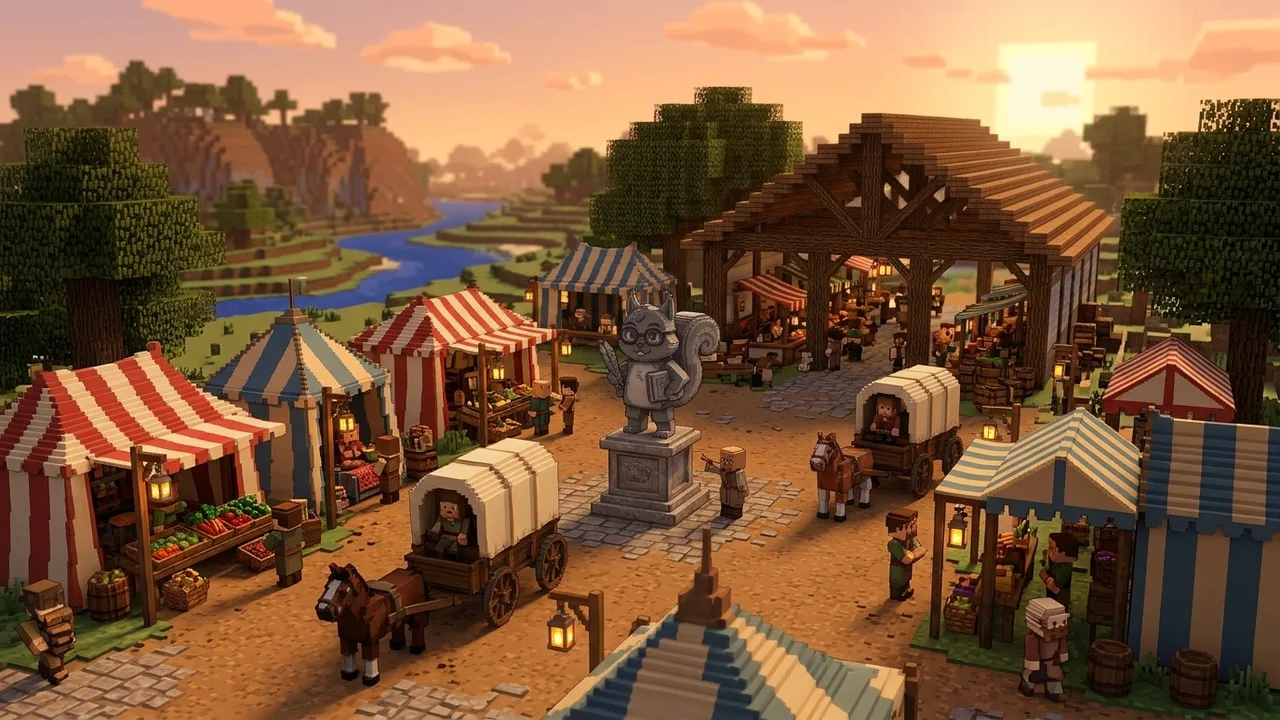
Merchants for food, potions, tools and armor at fair prices. Sell your harvest and earn emeralds.
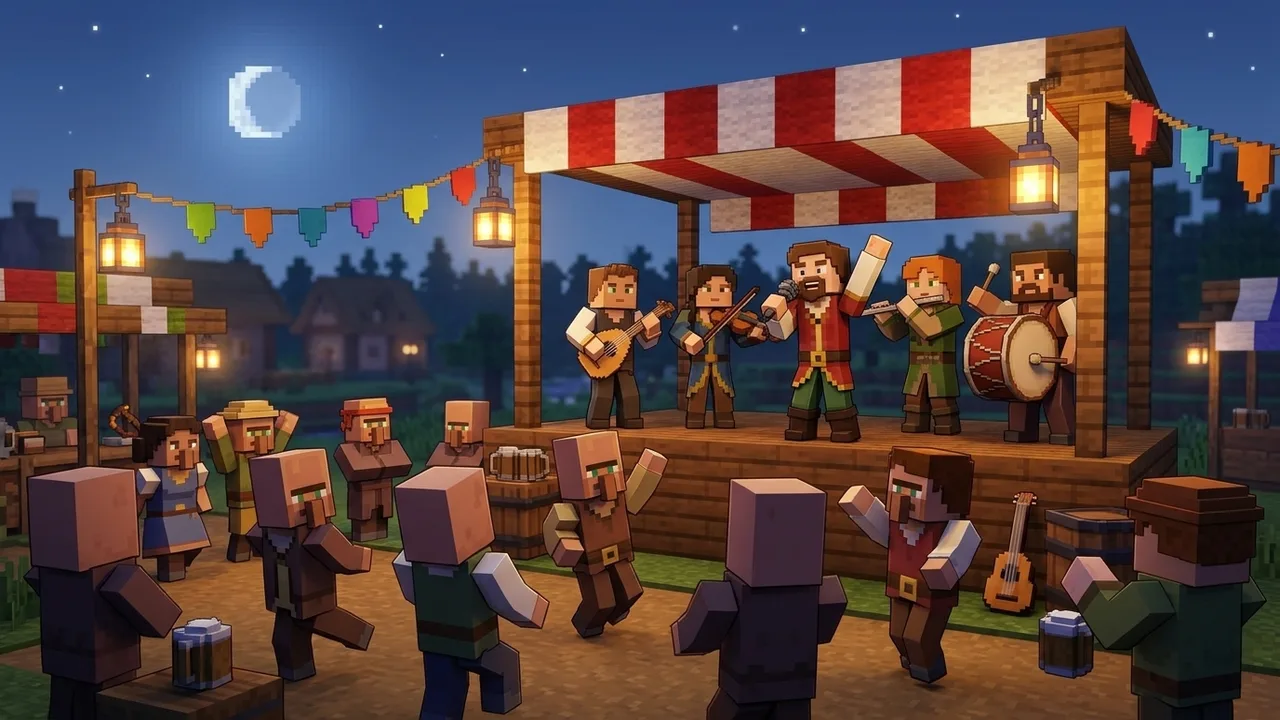
A medieval band plays on the market stage. Walk closer and it gets louder. Press B to dance along.
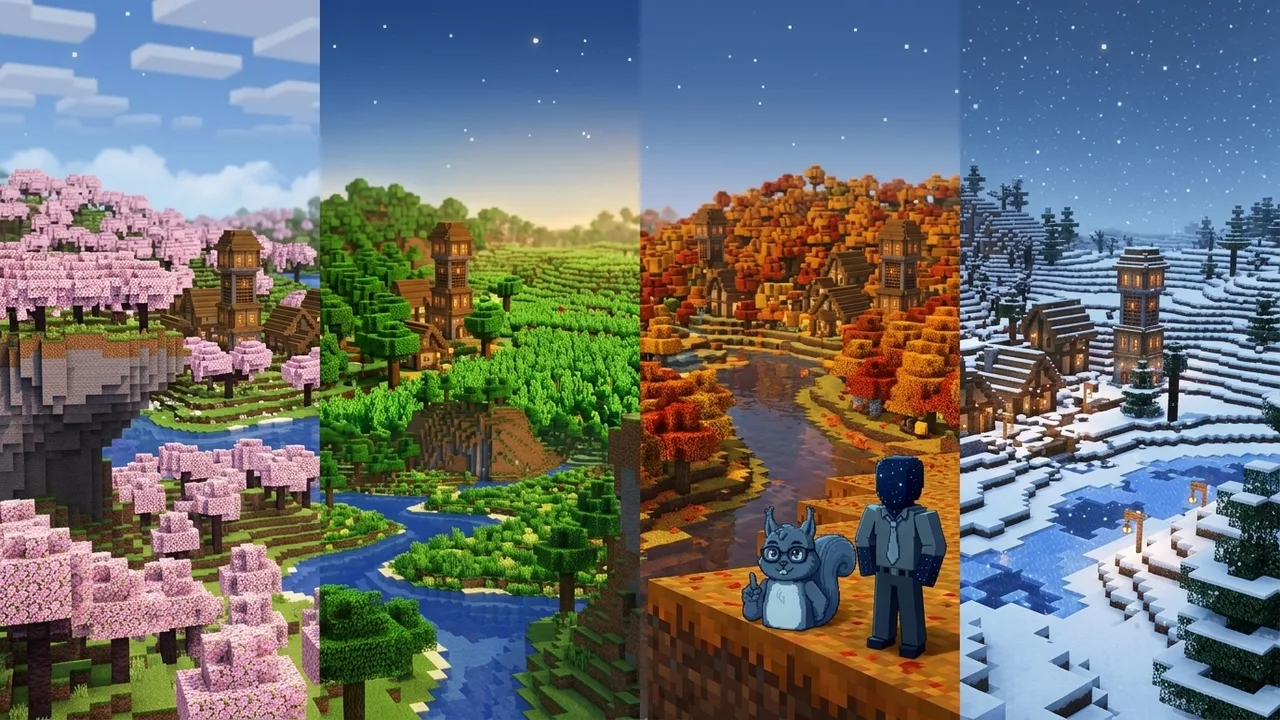
Every season lasts 30 days and changes the world. Days take 40 minutes, with music for every hour.
Takes about 5 minutes. The installer sets up Java, Forge and every mod for you.

Install the official Minecraft Launcher from minecraft.net. You need Minecraft: Java Edition.
Sign in, open the launcher once, then close it again.
curl -fsSL https://minecraft.lorebary.com/install.sh | bashWait until it says "All done!" and close the Terminal.
curl -fsSL https://minecraft.lorebary.com/install.sh | bashWorks with the official launcher and the Flatpak version. Wait until it says "All done!".
Open the Minecraft Launcher. Next to the big Play button, pick LoreBary from the list and press Play.
The first start takes a minute. In the menu click Join LoreBary and you are in.
Still stuck? Send a screenshot in the LoreBary Discord and we will help.
Open lorebary.com settings, go to Account, enter your Minecraft name under "Minecraft" and save. Wait a minute, then join again. No account yet? Sign up for free on lorebary.com.
Just run the installer again. It replaces the mods and keeps your own settings.
Any computer that runs Minecraft well, with at least 8 GB of memory. The installer picks the right memory setting for you.
Open the official Minecraft Launcher once and sign in, then run the installer again.
Close other programs and lower the render distance in Options. The first minute after joining is always a bit busy.
Delete the LoreBary profile in the launcher and the folder ".minecraft-lorebary" (on Mac "minecraft-lorebary"). Your normal Minecraft stays untouched.